

When storing electronics in self storage it’s important to back up your data, remove batteries, clean and dry every device and make sure you pack everything in a padded labelled box.
Electronics storage in Singapore is easier with BEAM Space valet storage. Our crew collects your TV, computer equipment or business IT hardware from your door and itemises every piece. Each item is then photographed at our facility and listed in the BEAM Space app. You can also add air-conditioned storage as an upgrade on Storage by Space plans.
Key Takeaways
- Singapore’s humidity is the biggest risk to stored electronics.
- Good preparation and packing are your best protection.
- Back up data, power down, remove batteries and label cables before storage.
- Laptops, tablets and other lithium-ion items cannot be stored.
- Air-conditioned storage is an optional upgrade on Storage by Space plans.
- BEAM Space offers pickup, photo inventory and secure storage in Singapore.
Can You Store Electronics in a Storage Unit?
Yes, you can store many electronics in a storage space, as long as you prepare and pack them well. Suitable items include:
- TVs and monitors
- Desktop computers and towers
- Keyboards, mice and speakers
- Printers and home office equipment
- Routers and network hardware
Electronics are far more sensitive than furniture or seasonal clothing. Therefore, preparation matters more than the storage itself, particularly for long-term electronics storage in Singapore.
Which Electronics Cannot Be Stored?
Some items are not accepted, and it is best to check before you pack. Under our Terms of Use, BEAM Space cannot store:
- Lithium-ion batteries, or any product containing them. This includes laptops, tablets, smartphones, power banks and many rechargeable devices.
- Liquids and compressed gas. Keep cleaning sprays and compressed air cans out of your boxes.
- Moisture absorbers. Silica gel packs and desiccant dehumidifying boxes are not allowed.
- Irreplaceable items. Keep irreplaceable items, such as your only copy of important data, with you.
Please read the full list of prohibited items in our Terms of Use before booking. If you are unsure about a device, ask our team first.
Why Singapore’s Humid Climate Is Hard on Electronics
Singapore has warm temperatures all year and relative humidity that regularly sits above 80 percent. That moisture can cause problems that are easy to miss until you switch a device back on.
- Corrosion: Moisture can corrode ports, connectors and circuit boards over time.
- Condensation: Temperature swings can cause water droplets to form inside casings.
- Mould and Mildew: Damp conditions can affect cables, remotes, speaker fabric and packaging.
- Component Wear: Electronic components can degrade or fail with time, whatever the storage conditions.
Air-conditioned storage is available as an upgrade on Storage by Space plans, subject to availability. View our pricing page to find out more about our storage options.
As a result, careful preparation and packing are your best protection for electronics storage in Singapore.
How to Prepare Electronics for Storage
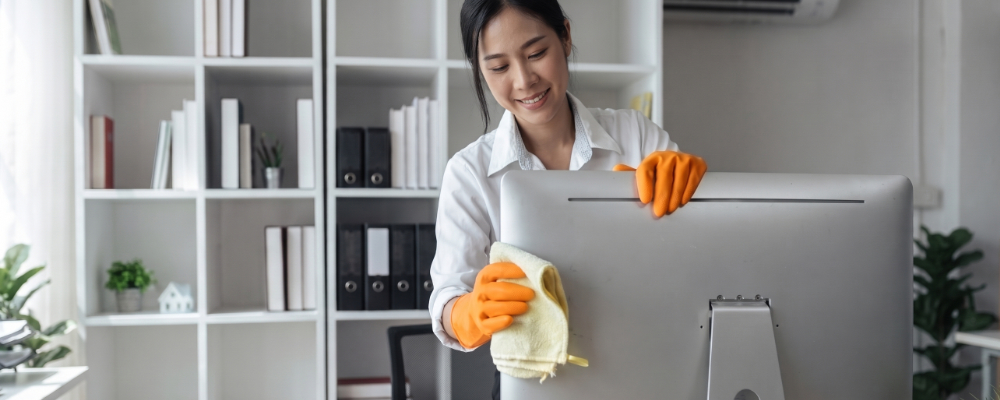
Good preparation protects your devices and makes unpacking much easier. Follow these steps before you store anything.
- Back up your data. Save files to the cloud or an external drive that stays with you. Stored hardware can fail over time.
- Power down fully. Turn devices off completely rather than leaving them on standby.
- Remove batteries. Take batteries out of remotes and other devices and keep them with you.
- Clean each device. Wipe surfaces with a soft, lint-free cloth. Use a screen cleaner made for electronics and keep the bottle out of the box.
- Let everything dry. Make sure devices are completely dry before packing.
- Disconnect and label cables. BEAM Space does not connect or disconnect items, so bag each device’s cables and remote together and mark them clearly.
- Photograph your setup. Take a quick photo of how cables connect so reassembly is easy later.
- Label fragile items. Pack fragile electronics well and mark the box FRAGILE on the outside.
How to Pack Electronics for Storage
How you pack is just as important as where you store. You are responsible for choosing containers that suit the weight, size and nature of your items.
- Use the original packaging where possible. The fitted foam is designed to protect the device.
- Add padding such as bubble wrap or anti-static foam if you no longer have the box.
- Choose sturdy containers. Use strong boxes that will not collapse or tear under weight.
- Use breathable covers like a soft cloth or blanket. Avoid wrapping electronics tightly in plastic, which can trap moisture.
- Skip moisture absorbers. Silica gel and similar packs are not accepted in storage.
- Seal boxes and label them clearly. Mark fragile items on the outside.
- Keep heavy items off electronics. Pressure can crack screens and bend casings.
For more packing advice, read our valet storage tips and tricks.
How to Store Electronics Long Term

If your devices will be in storage for several months or longer, a few extra habits help them last.
- Back up before you store. Do not rely on a stored device as the only home for important files.
- Consider air-conditioned storage. It is an optional upgrade on Storage by Space plans for items that need extra environmental protection.
- Pack well from the start. Follow our tips provided above because good packaging matters even more over a long period.
- Keep a record. A photo inventory helps you track exactly what you have stored.
With BEAM Space, every item is itemised at pickup and photographed when it arrives at our storage facility. You can see your stored electronics at any time by viewing the photo inventory on the BEAM Space app that is available on iOS and Android.
Common Mistakes When Storing Electronics
Avoid these frequent errors:
- Packing laptops, tablets or other lithium-ion devices
- Adding silica gel or other moisture absorbers
- Leaving batteries inside devices
- Wrapping devices tightly in plastic
- Storing TVs flat or stacking boxes on top of them
- Skipping a data backup
- Mixing cables and accessories without labels
Electronics Storage in Singapore: How BEAM Space Helps
Traditional storage means packing, transporting and carrying heavy items yourself. BEAM Space valet storage removes that effort.
- Door-to-Door Pickup and Delivery: The BEAM Space Crew collects and returns your items.
- Photo Inventory in the App: Every item is itemised, photographed and catalogued.
- Secure Facility: CCTV surveillance, controlled access and insurance are included.
- Air-Conditioned Storage Option: Available as an upgrade on Storage by Space plans.
- Flexible Options: Choose storage by item or storage by space and only pay for what you need.
It is a practical way to store your TV, computer equipment or business hardware without carrying it yourself.
See how BEAM Space pricing works!
Frequently Asked Questions
Can You Store Electronics in a Storage Unit in Singapore?
Yes, many electronics can be stored if they are cleaned, dried, backed up and packed properly. However, items containing lithium-ion batteries cannot be stored with BEAM Space.
How Do You Store Electronics Long Term?
Back up your data, power devices down, remove batteries and pack items in sturdy, padded, labelled boxes. Consider air-conditioned storage, an optional upgrade on Storage by Space plans.
How Do You Store a TV?
Clean it, remove the stand, wrap it in soft padding or use the original box, and store it upright. Never lay a TV flat or stack items on top of it.
How Do You Store Computer Equipment?
Back up your files, label all cables and pack each device in padded or anti-static packaging. Laptops and tablets cannot be stored because they contain lithium-ion batteries.
Can I Store a Laptop or Tablet?
No. Lithium-ion batteries and products containing them are prohibited items, so keep laptops, tablets and phones with you.
Can I Use Silica Gel to Protect My Electronics?
No. Moisture absorbers, including silica gel and desiccant dehumidifying boxes, are not accepted. Use good packaging and breathable covers instead.
Is Server Storage Available in Singapore?
Businesses can store IT equipment with BEAM Space business storage. For servers and specialised hardware, contact our team to discuss your requirements first.
Can I See My Stored Electronics?
Yes. Every item is photographed and added to your inventory in the BEAM Space app, so you can see what you have stored at any time.
Protect Your Electronics with BEAM Space
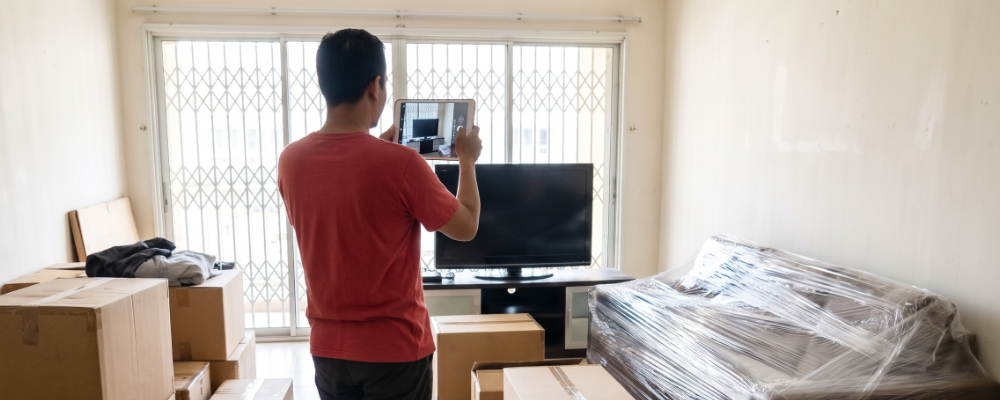
Storing electronics in Singapore does not have to be stressful. With the right preparation and packing, your TV, computer equipment and business hardware can be ready for storage hassle-free.
With BEAM Space, we collect your items, photograph and catalogue them, store them securely and return them when you are ready.